Blog

Why a bash-js Sandbox Still Cares About HOME and cwd

The other day I was wiring up a bash-js sandbox inside a Next.js project and tripped over a question that sounds almost paradoxical:

If bash-js is a JavaScript emulator (no real shell process underneath), why do I need to set HOME at all?

Here’s the config that triggered the question:

sandbox = new Bash({
  customCommands: [cli.toCommand()],
  cwd: WORKSPACE_PATH,
  env: { HOME: '/home/user' },
  files,
});

bash-js is a pseudo-bash written in JavaScript. There’s no fork, no /bin/sh, no kernel call. So why does any of this (HOME, cwd, language flags) matter? Turns out: a lot.

bash-js is a simulation, but it has to pretend convincingly

The whole point of an emulated shell is that the code you run inside it should believe it’s running in a normal Unix environment. A surprising number of libraries and tools assume the standard environment is there, and they’ll happily misbehave if it isn’t.

That’s where HOME earns its place.

Why HOME still matters in a fake shell

Plenty of node modules check process.env.HOME (or env.HOME when invoked through a sandbox like this). They use it to:

  • find config files (~/.config, ~/.npmrc, ~/.gitconfig)
  • locate default cache directories (~/.cache)
  • resolve default project folders

On top of that, when bash-js impersonates a real shell it usually:

  • expands ~ using env.HOME
  • handles commands that depend on a home directory (cd ~, cd ~/.config, etc.)

Setting env: { HOME: '/home/user' } gives you a predictable, isolated environment. Every ~ resolves to the same path no matter where the host code actually runs: your laptop, a CI box, a Docker image.

cwd is the same idea, one level down

cwd is the working directory the sandbox uses to resolve relative paths. We set it for the same reason we set HOME:

  • ls, cd, cat, mkdir all behave as if they’re inside that specific project directory
  • tests and CLI flows become repeatable. They always start from the same place, regardless of where the JS app was launched from

The analogy

It’s worth keeping these two straight:

  • env: { HOME: '/home/user' }: tells the sandbox where the user lives (config files, cache, anything resolved through ~)
  • cwd: WORKSPACE_PATH: tells the sandbox where you are right now (the directory normal commands like git status, ls, cd operate against)

HOME is identity. cwd is location.

What javascript: true and python: true actually do

The other piece that puzzled me was this:

javascript: true,
python: true,

These are almost certainly config switches that enable interpreter access inside the pseudo-bash. In practice:

  • javascript: true: the sandbox accepts node, npm, npx, and can reason about package.json and node_modules in this environment
  • python: true: the sandbox accepts python, python3, pip, and can simulate basic Python tooling (venv, pip install)

There’s no magical interpreter here. These flags decide which commands the JS-side bash-js will accept and emulate. Flip them off and node or python simply become unknown commands, while the rest of the shell (file ops, ls, cd, mkdir) keeps working.

How this fits into a Next.js app

In a Next.js context, a sandbox like this usually lives server-side, inside a Route Handler, an API route, or a CLI tool wired into a build step or postinstall hook. The typical use cases:

  • running JS/TS/Python scripts in a controlled environment (node migration.js, python generate_data.py)
  • simulating a user “doing things in a terminal” without actually granting shell access
  • testing CLI-style tools in isolation

Turning off javascript or python is how you narrow what the sandbox is allowed to do. The rest of the shell still works; you just lose access to the interpreters.

The takeaway

Even when the shell isn’t real, the environment it exposes has to be. HOME, cwd, and the language flags aren’t ornamental. They’re the contract that makes the emulation usable. Skip them and you’re handing libraries an environment that lies about the basics, which is a great way to chase bugs that only reproduce on someone else’s machine.

AI Code Generation Trades Writing for Reading

In this short take, the author argues that AI code generation doesn’t actually save much time. If you have to painstakingly review and debug every line, you’ve just traded writing time for reading time. The real win, they argue, would come from verification: AI that can prove its output is correct, so you don’t have to read it at all.

What I like about this framing is the shift in where the difficulty actually sits. For decades, the hardest part of being a programmer was writing the software in the first place. In the age of agentic coding, that has flipped: the hardest part is reading code you didn’t write and deciding whether to trust it. And careful reading, with all the hidden assumptions and trade-offs that aren’t obvious until you’ve sat with them, can genuinely be harder than writing the thing from scratch.

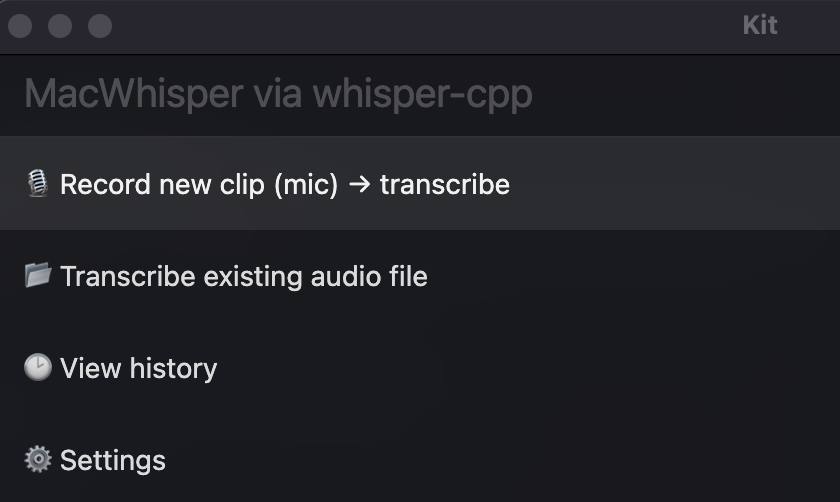
A 1‑hour MacWhisper clone (offline, privacy-first) using Script Kit + whisper.cpp

Hero for A 1‑hour MacWhisper clone (offline, privacy-first) using Script Kit + whisper.cpp

I wanted a frictionless way to talk to my Mac and paste the transcript straight into ChatGPT—without paying per minute, sending audio to a cloud API, or building a full desktop app.

The interesting part isn’t that “speech-to-text is possible.” It’s that with modern coding agents, copying the shape of a popular tool is now a ~1-hour project if you keep the scope tight.

Continue reading

Mole: a CLI toolkit to deep-clean and optimize macOS

Mole is a CLI application to deep clean and optimize macOS. It aims to combine features you might know from tools like CleanMyMac, AppCleaner, DaisyDisk, and iStat into a single binary.

It includes:

  • deep cleaning (caches, logs, and browser leftovers)

  • smart uninstaller (removes apps plus launch agents, preferences, and other remnants)

  • disk analysis (visual disk explorer and large-file management)

  • live system monitoring (CPU/GPU/RAM/disk/network stats)

Install via Homebrew (recommended):

brew install mole

Run the interactive menu:

mo

AI Hype vs. Reality: What 2025 Didn’t Deliver

Santiago revisits last year’s predictions about what the industry was supposed to look like in 2025. It’s a great example of how the saying holds up: we overestimate what we can achieve in 1 year and underestimate what’s possible in 10 years.

The gap between AI hype and reality is massive. We were given tools, yet we often treat them like magic.

At the same time, from that whole list, the point that feels the most noticeable to me is: “Writing code manually was supposed to be obsolete.” Whether online or at my job, most people have switched to writing with the help of AI models/agents, and fewer and fewer write everything manually from scratch. Still, a human has to remain in the loop - someone needs to understand, verify, test, and take responsibility for the outcome.

And that’s probably where we are right now: AI genuinely speeds up the work, but we’re not yet at a point where we can safely hand over full control of large, production systems to autonomous agents. That likely won’t change within a year, but it’s definitely an area worth watching closely.

Jevons paradox - X thread by Aaron Levie

In this X thread Aaron Levie explains how productivity growth in various fields led to an increase in the number of employees in those sectors over a few decades. He also assumes the same will happen with AI and the entire IT industry. The democratization of knowledge and skills will enable projects to get started that once seemed unprofitable

How to Easily Build a Telegram AI Agent to Summarize Articles Using n8n

Hero for How to Easily Build a Telegram AI Agent to Summarize Articles Using n8n

Hey there! Ever feel like you're drowning in a sea of articles, blog posts, and news updates? Yeah, me too. Wouldn't it be awesome to have a little helper that could just... poof... give you the gist?

Well, guess what? You can totally build that helper yourself! Today, we're diving into a fun project: creating your very own AI-powered Telegram bot using the magic of n8n to summarize articles for you. Ready to automate your reading list? Let's get started!

Continue reading

Optimizing the Retrieval-Augmented Generation Pipeline: A Deep Dive into Embedding Models

Hero for Optimizing the Retrieval-Augmented Generation Pipeline: A Deep Dive into Embedding Models

Improving the performance of a Retrieval-Augmented Generation (RAG) pipeline might seem like a daunting task, especially when there are multiple components to consider. However, if you focus on one critical piece—the embedding model—you can make significant enhancements without overhauling your entire system. In this article, we’ll walk you through our journey of fine-tuning our RAG pipeline, sharing insights and practical solutions that can help you achieve faster, more relevant search results for your copilot application.

When it comes to enhancing our RAG pipeline, the retrieval part quickly emerged as the natural point for improvement. Instead of a complete rebuild that would risk introducing new complexity and higher costs, we set out to optimize our existing embedding model. This approach allows you to boost performance by tweaking a single component rather than the whole architecture.

Continue reading

How to Use Many Key Management Service Keys Inside One S3 Bucket

Hero for How to Use Many Key Management Service Keys Inside One S3 Bucket

Recently I had a chance to test it. Yet, this simple task gave me a little surprise. Here I’d like to share how you can do it, and what can surprise you too.

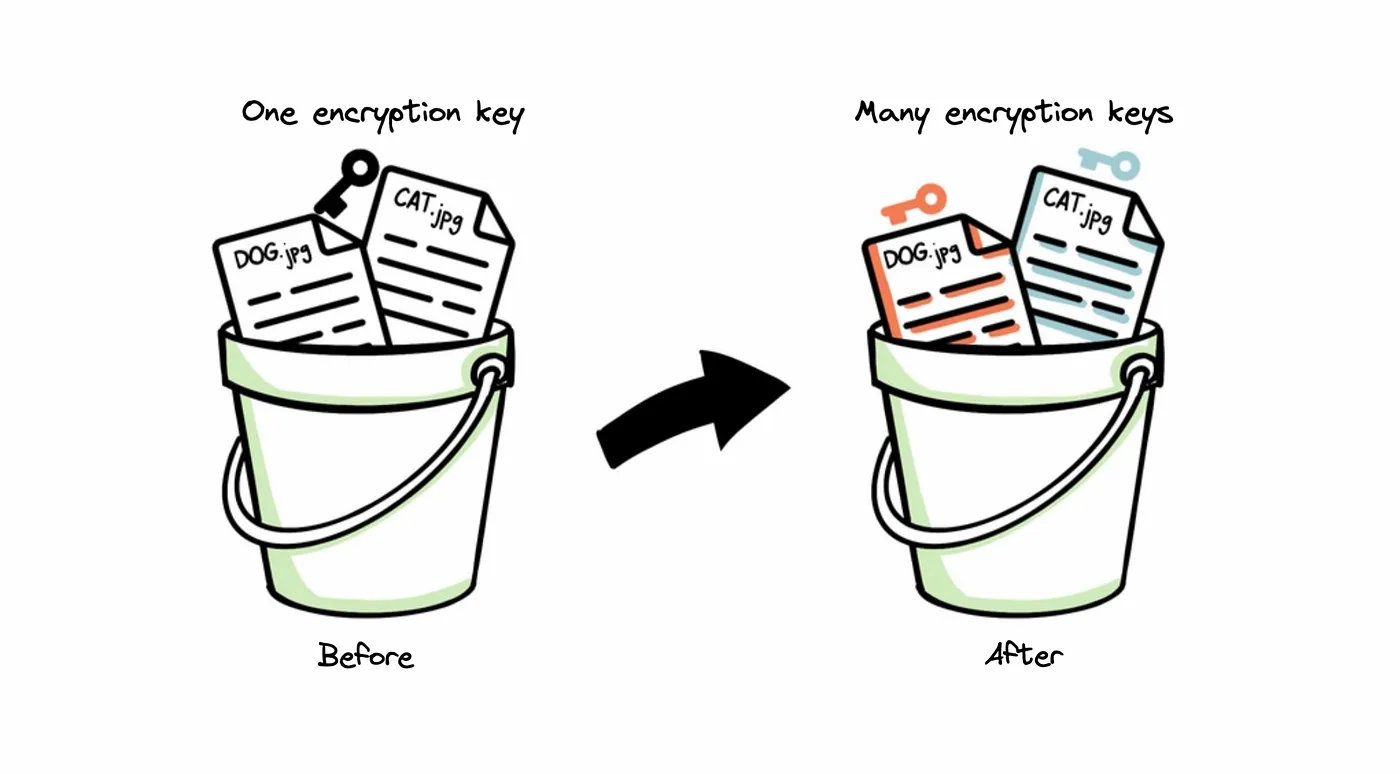
In our example, we have one bucket where photos of our pets are stored. All the files are encrypted by one shared encryption key. Even though it’s a fine solution for us, we want to improve it a little bit. We need to introduce a unique key for each pet type. We love pets, and we know that in the future we want to have them more and more. Due to this, our solution should also be extendable. We don’t want to be concerned about changing the implementation once we get a new type of pet.

Continue reading